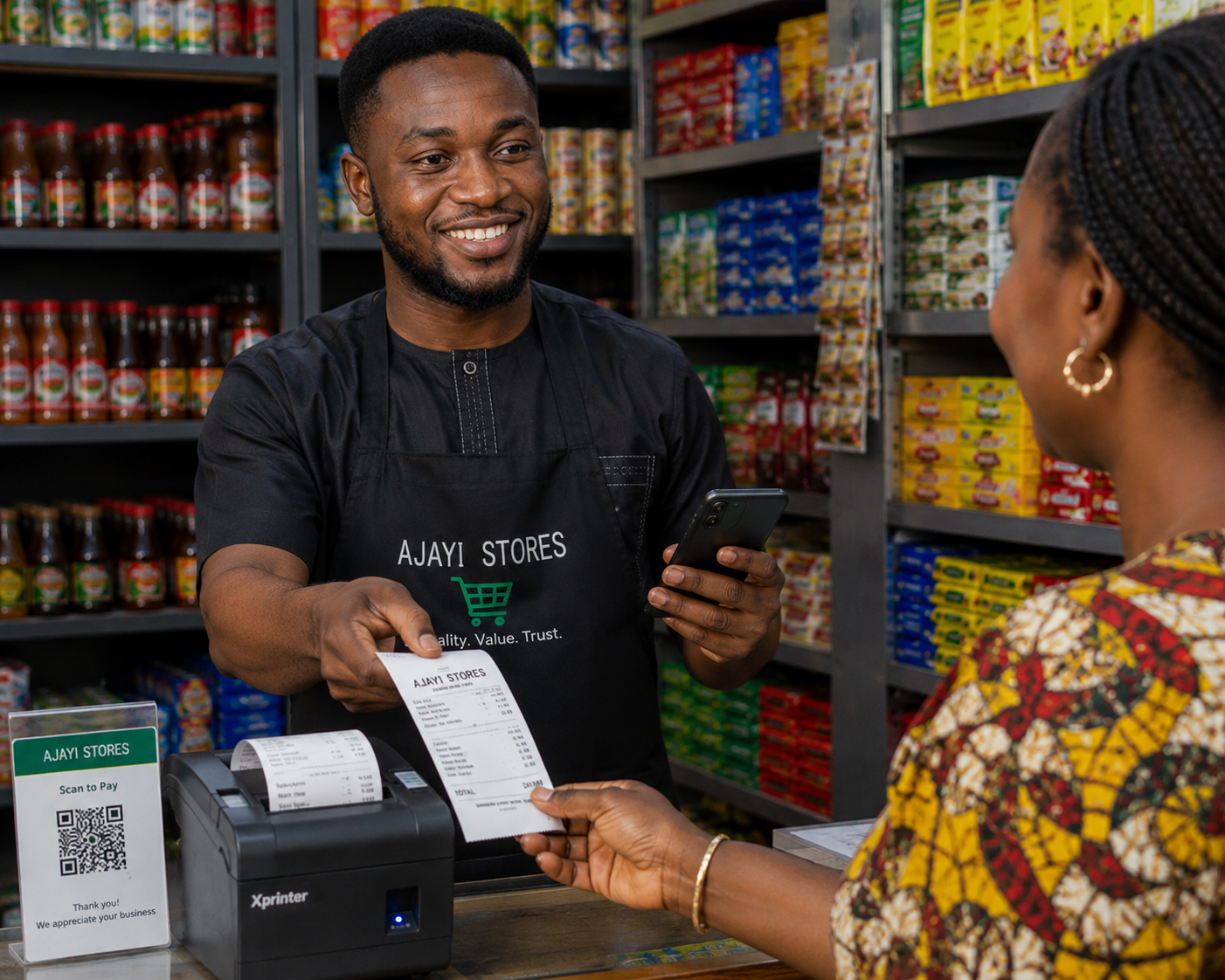
Why a Proper Receipt Changes How Customers See Your Shop
A handwritten slip of paper says one thing about a business; a clean, itemised receipt with your shop name, VAT breakdown, and a proper invoice number says something very different. For businesses that sell to other businesses, a proper receipt isn't optional — it's what your customer needs to claim their own Input VAT back from NRS. Pocket Shop Manager gives every sale a professional receipt automatically, whether you're printing it on paper or sending it as a digital invoice.
Two Ways to Deliver a Receipt
Thermal Printing
Bluetooth or Wi-Fi ESC/POS printers, 58mm or 80mm paper, printed in seconds.
WhatsApp Invoice
A professional PDF invoice sent straight to the customer's phone.
The Invoice screen opens automatically right after every confirmed sale, so printing or sending a receipt is never an extra task tacked onto the end of your day — it's the natural next step in the same flow.
Setting Up a Thermal Printer
- Go to Settings → Printer Setup, after unlocking with your Master Code.
- For Bluetooth: turn on Bluetooth and tap "Scan for Printers."
- For Wi-Fi: make sure your phone and printer share the same network, then tap "Scan Network Printers."
- Select your printer from the list and tap "Test Print" to confirm the connection works.
- From then on, every "Print Receipt" tap sends directly to that printer — no reconnecting required.
PSM supports standard ESC/POS-compatible Bluetooth and Wi-Fi thermal printers — the same budget-friendly models widely sold in Nigerian electronics markets, so you don't need specialised or expensive hardware to get started.
Every Receipt Is Tax-Ready
If you're VAT-registered, enable it once in Settings and every invoice from that point on shows the VAT breakdown and your TIN automatically — making your receipts fully compliant for business customers who need to claim Input VAT recovery through Rev360.
The Self-Adhesive Paper Trick
One small habit that makes a real difference: use self-adhesive thermal paper instead of standard rolls. When you print a receipt for a delivery order, peel off the backing and stick it directly onto the package. It doubles as both the receipt and the shipping label — a small touch that gives even a one-person shop a professional, corporate feel that customers notice and remember.
Digital and Paper, Side by Side
Not every customer wants a WhatsApp message, and not every sale needs a printout. PSM is built for both: instant thermal printing for the anonymous cash buyer who just wants their receipt in hand, and digital delivery for the customer who wants a record on their phone for their own bookkeeping. Nobody is ever required to hand over a phone number — print-only works exactly as well.
Saving a Copy for Your Own Records
Every invoice can also be saved directly as a PDF to your device's Documents/PSM_Documents folder, named automatically in the format Invoice_PSM-000001.pdf. That gives you your own permanent digital copy of every receipt you've ever issued, ready to share through any messaging app, attach to an email, or hand to your accountant at tax time — without having to reprint or dig through paper.
Why This Matters More Than It Seems
A shop that hands out consistent, professional receipts signals something to customers before they even say a word: this business keeps records, takes itself seriously, and can be trusted with repeat business. For B2B buyers specifically, a compliant VAT invoice isn't a nice-to-have — it's the paperwork they need to justify their own purchase and reclaim VAT through Rev360. Getting this right on every single sale, automatically, is what turns a corner shop into a business people choose to come back to.
Frequently Asked Questions

Ready to Run Your Shop From Your Pocket?
Join the first 10,000 Nigerian shop owners locking in lifetime Pro access for a one-time ₦10,000 — before pricing moves to a subscription.
🏆 Get Pocket Shop Manager on Google Play