Running a Business Without Reports Is Running Blind
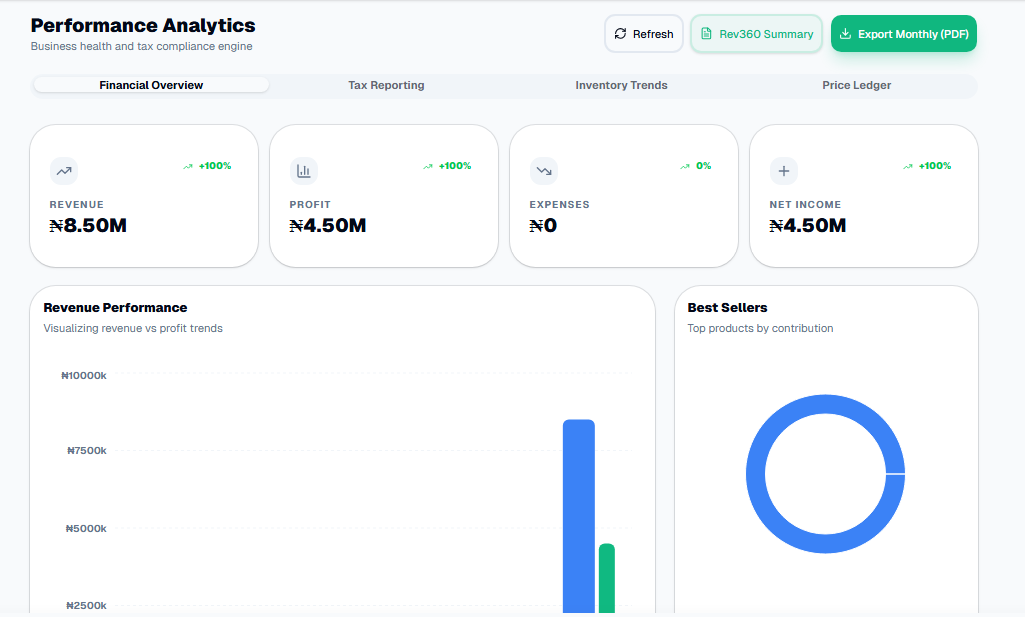
Revenue isn't profit. A shop can be busy all month and still lose money once rent, restocking, and expenses are subtracted — but without proper reports, most owners only find that out when the money simply isn't there. Pocket Shop Manager turns every sale and expense you record into a real-time financial picture, so you always know where the business actually stands, not just how busy it felt.
What Your Overview Tab Shows
Total Revenue
Every sale in the selected period, summed automatically.
Gross Profit
Revenue minus cost of goods sold — your real margin.
Total Expenses
Every recorded business cost for the period.
Net Income
What's actually left after expenses — the number that matters most.
Best Sellers
Your top 5 products by units sold, ranked automatically.
Daily Revenue Chart
A day-by-day bar chart so you can spot your busiest days at a glance.
One Tap to a Bank-Ready PDF
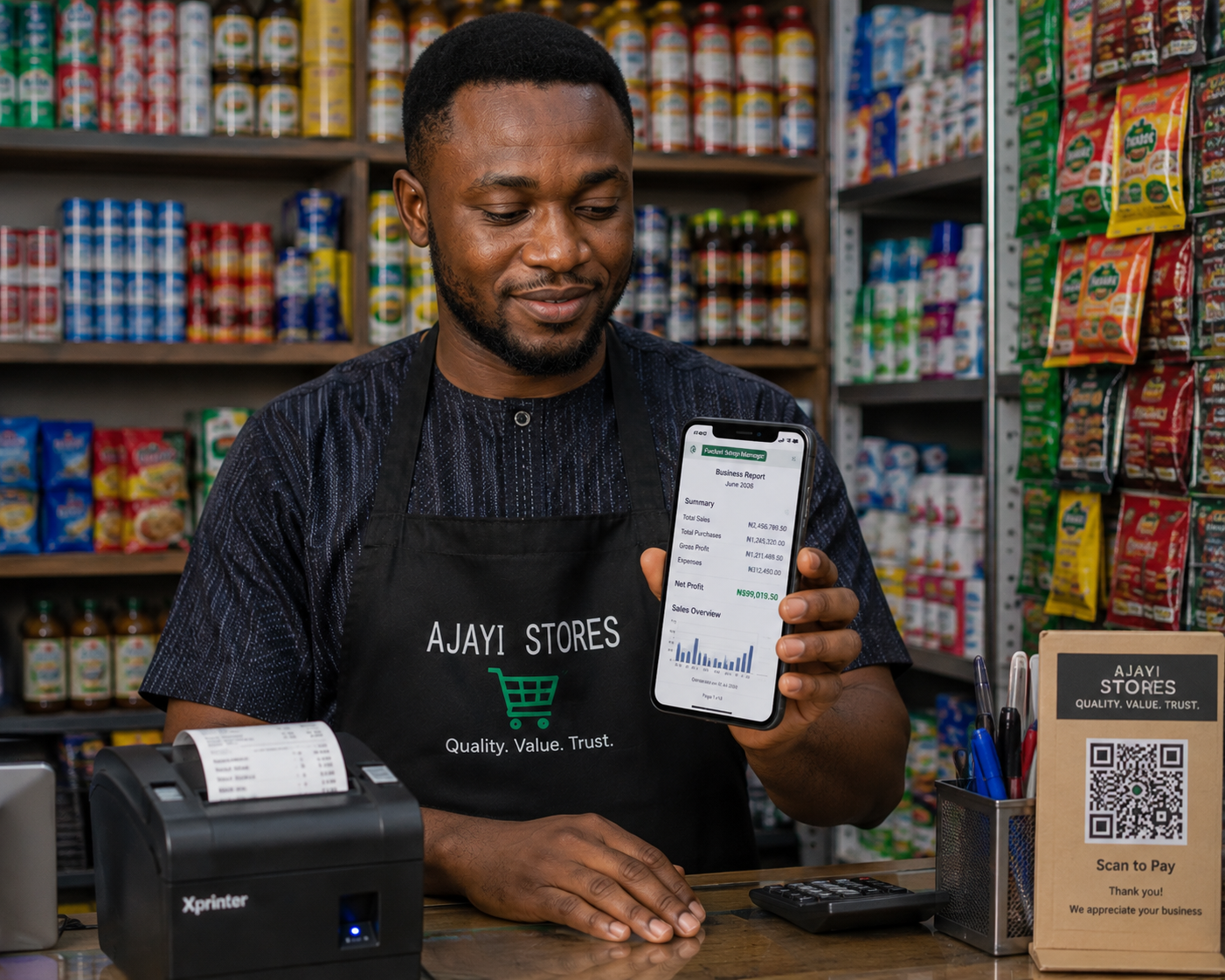
Tap "Export PDF" on the Overview tab and PSM generates a professionally formatted A4 report for the selected month — financial summary, full sales list, expense breakdown, debt summary, and VAT totals, saved straight to your Documents/PSM_Documents folder. This is the exact document a loan officer or microfinance institution asks for: revenue, gross profit, expenses, and net income, laid out the way a bank expects to see them.
Reports That Feed Your Tax Position Too
Switch to the Tax Engine tab and the same underlying data powers your NRS-ready numbers: the ₦50M Turnover Shield tracking your CIT exemption status, a live VAT dashboard showing Output VAT collected versus Input VAT recoverable, and countdown reminders to your PAYE and VAT filing deadlines. Nothing needs to be re-entered — it's the same sales and expense records, viewed through a tax lens.
Real-Time, Not End-of-Month
Because every sale and expense writes directly to your device the moment it happens, your reports never require a "closing the books" process. Check your numbers at 11am on a Tuesday and they're exactly as current as checking them at midnight on the 30th — there's no batch processing, no waiting, and no reconciliation step standing between you and knowing how your business is actually doing.
Filtering By Day, Week, Month, or Custom Range
Use the month selector at the top of the Reports tab to move between periods instantly, or filter your Sales and Expenses tabs by Today, This Week, This Month, or a custom date range when you need to answer a specific question — like how a particular week compared to the same week last month, or what a specific promotion actually did for revenue.
Comparing Cash Register to Digital Records
One of the quiet benefits of consistent reporting is catching discrepancies early. When your recorded revenue doesn't match what's physically in the till, that gap is worth investigating immediately — not discovered weeks later when it's much harder to trace back to a cause. Reports that update in real time make that comparison something you can do daily instead of dreading at month-end.
From Data Entry to Decision-Making
The real value of a reporting system isn't the numbers themselves — it's the decisions they make possible. Knowing your actual gross profit tells you whether a discount you're considering still leaves room for margin. Knowing your best sellers tells you what to double down on when you're deciding what to restock first with limited cash. Pocket Shop Manager's reports exist to answer those questions the moment you need them, not after a long manual calculation.
Built On Top of Work You're Already Doing
Nothing about generating a report requires extra data entry. Every number in your Overview and Tax Engine tabs comes directly from the sales you record at checkout and the expenses you log as they happen — the same actions you're already taking to run the shop day to day. Reporting isn't a separate chore bolted on at month-end; it's simply what your existing records look like once they're organised and totalled automatically.
Frequently Asked Questions

Ready to Run Your Shop From Your Pocket?
Join the first 10,000 Nigerian shop owners locking in lifetime Pro access for a one-time ₦10,000 — before pricing moves to a subscription.
🏆 Get Pocket Shop Manager on Google Play